1Check-in
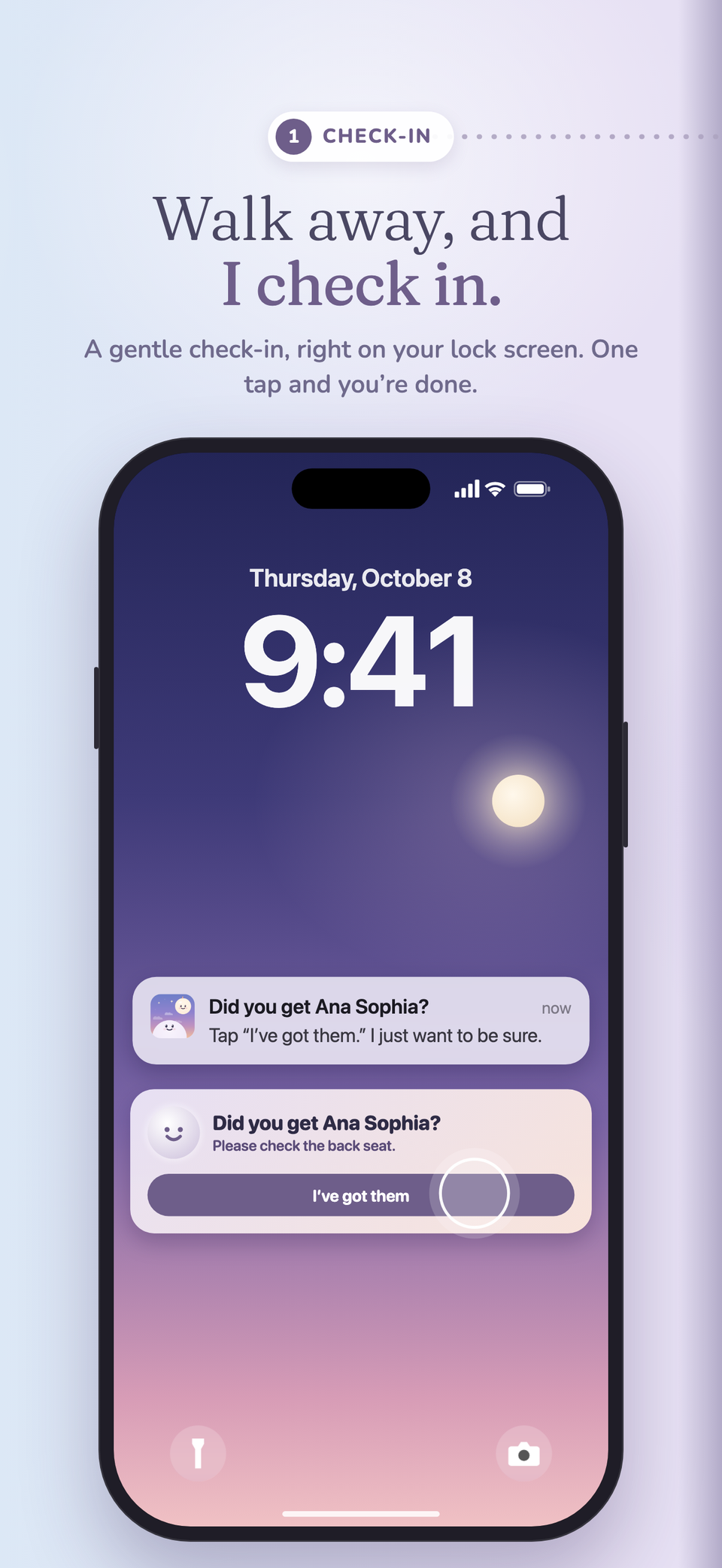
Walk away, and
I check in.
Check the back seat, then acknowledge the reminder on your lock screen.
A little backup for the everyday
A backseat reminder on your iPhone. Lookback checks in after you park and walk away, then follows up if you don’t respond.
Download on the App Store

From parked to all clear
When you park and step away, Lookback checks in. If you don’t answer, the reminders get harder to miss.
Check the back seat, then acknowledge the reminder on your lock screen.
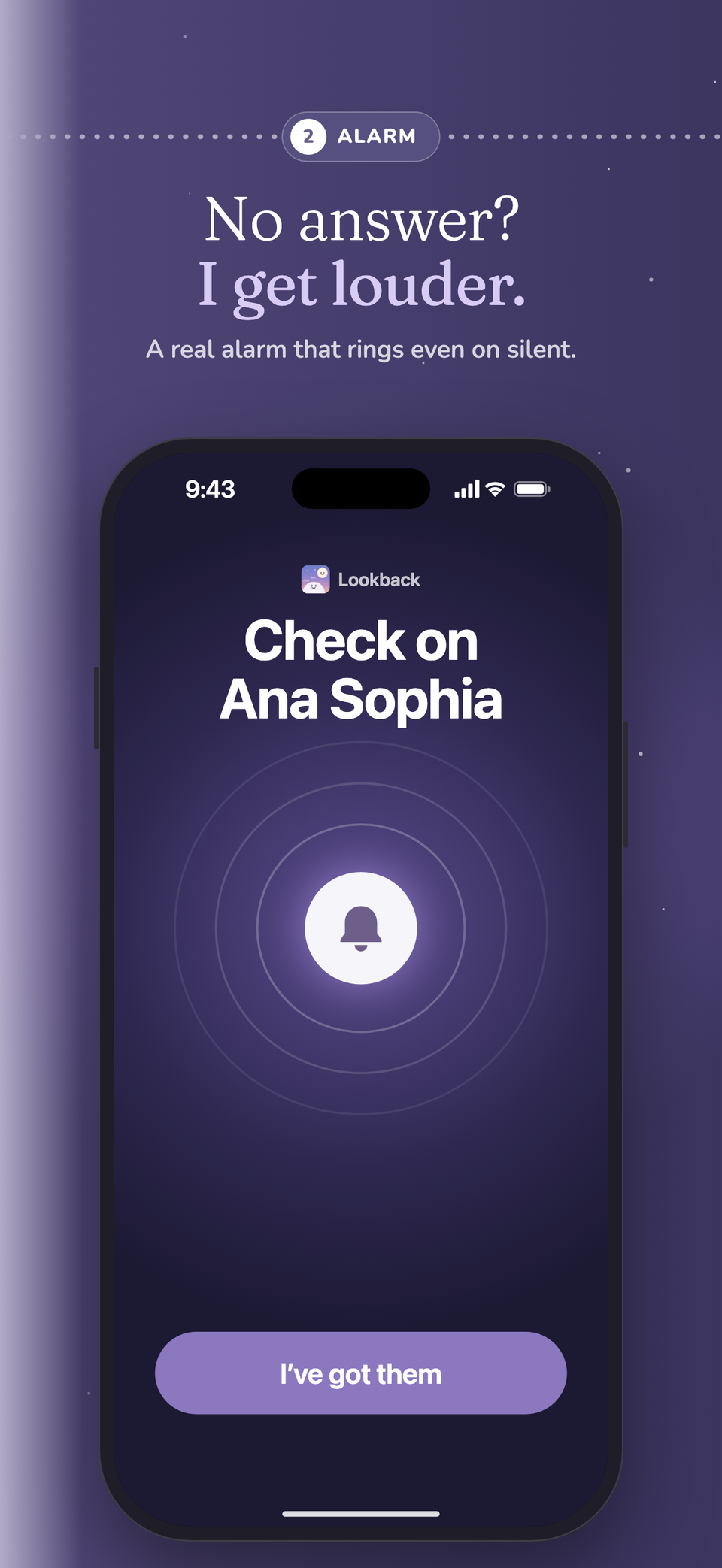
A real alarm that rings even on silent, on iOS 26 and later.
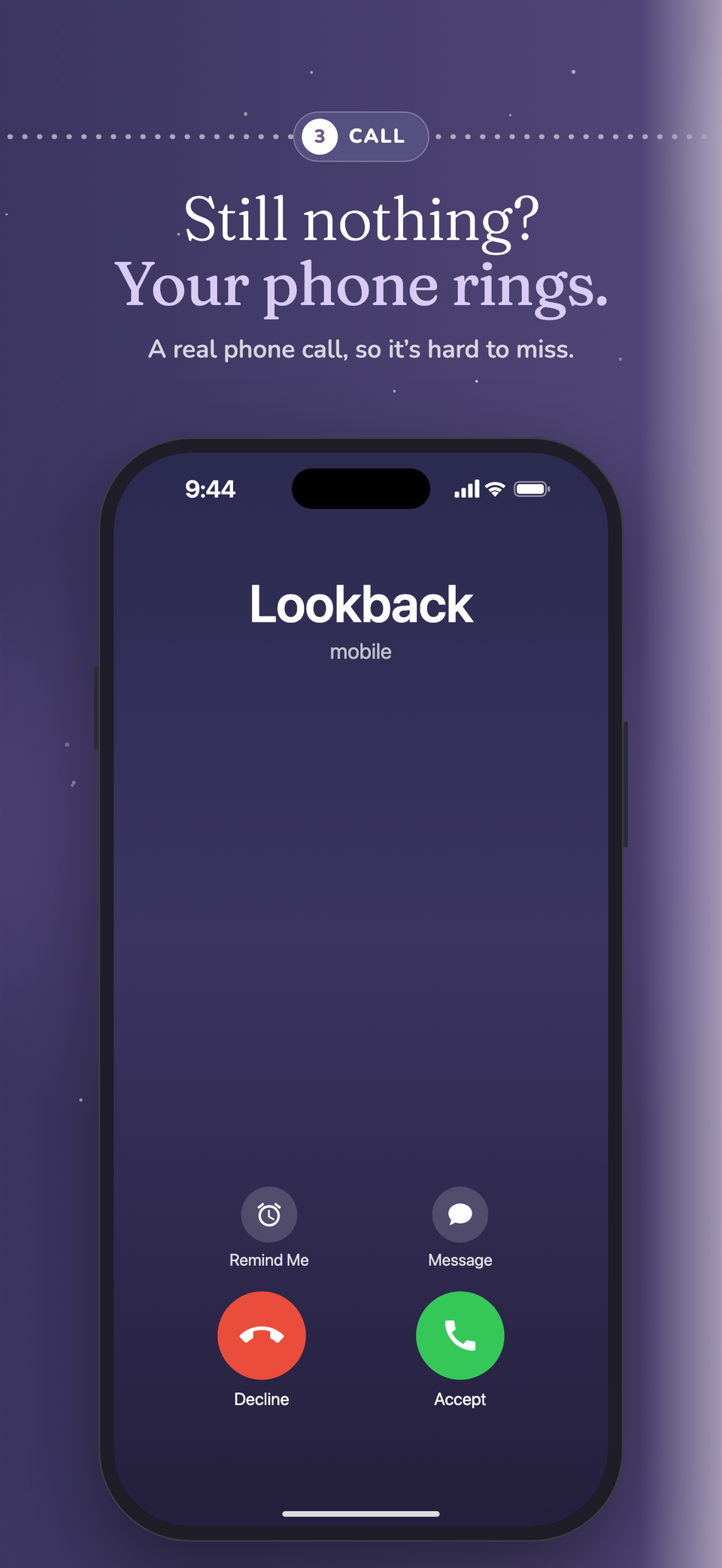
An optional call to your verified US number. Answer and listen to acknowledge the reminder.
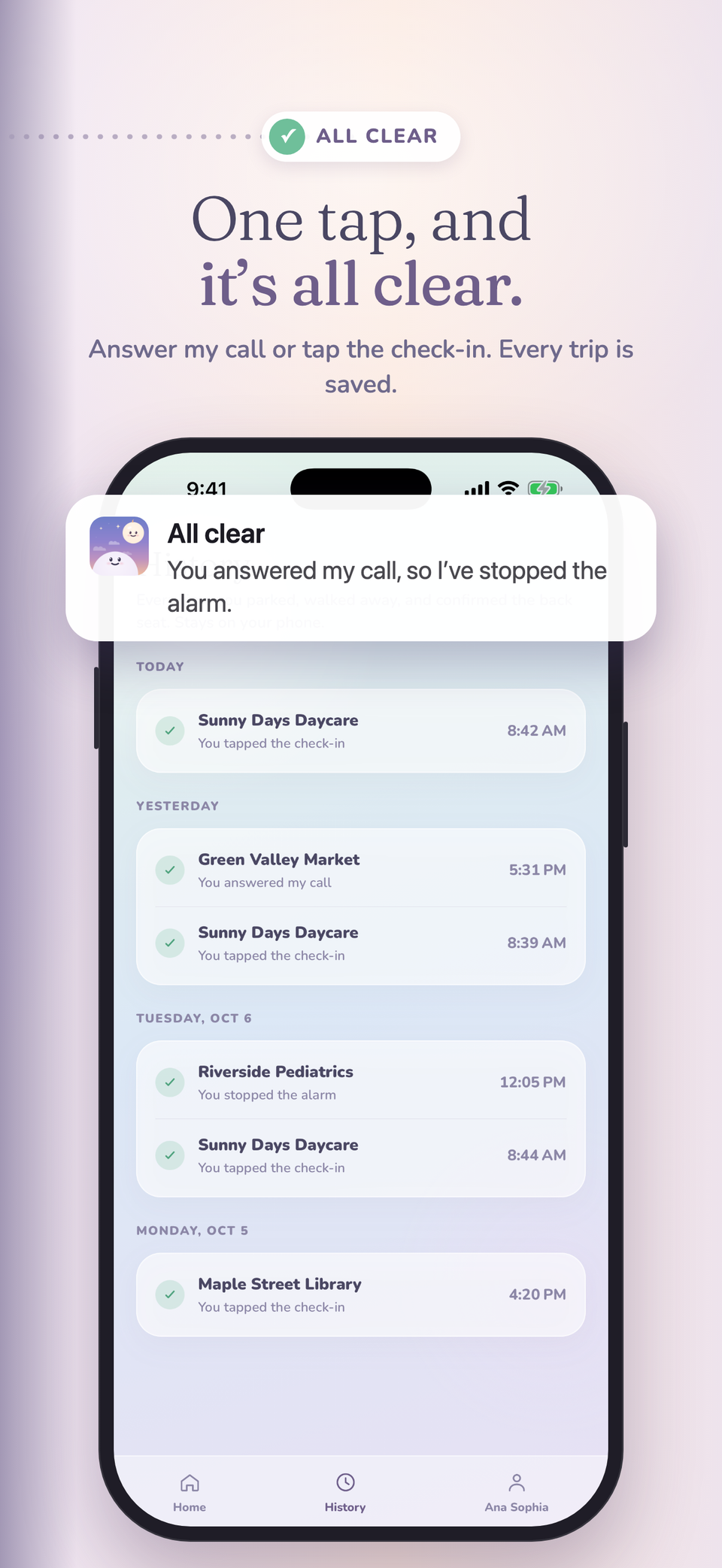
Your response clears the reminder and saves the trip in History on your phone.
Your order, your choice: alarm first or call first. Calls are optional and need a US number. Without one, that step is a loud notification. On iOS 16–25, the alarm step is a loud, time-sensitive notification.
A reminder that feels like yours
Alarm first or call first. Swap it anytime. You choose what reaches you first.
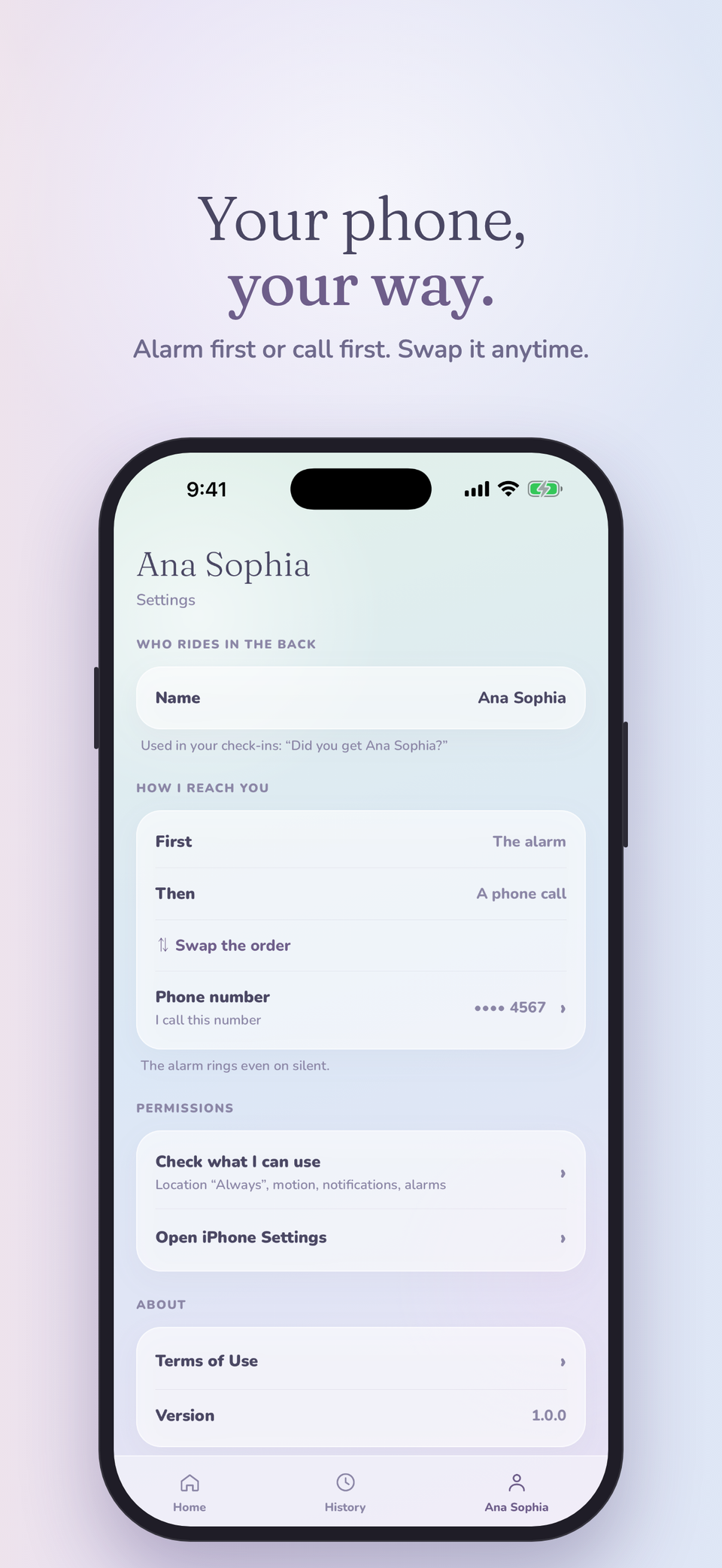
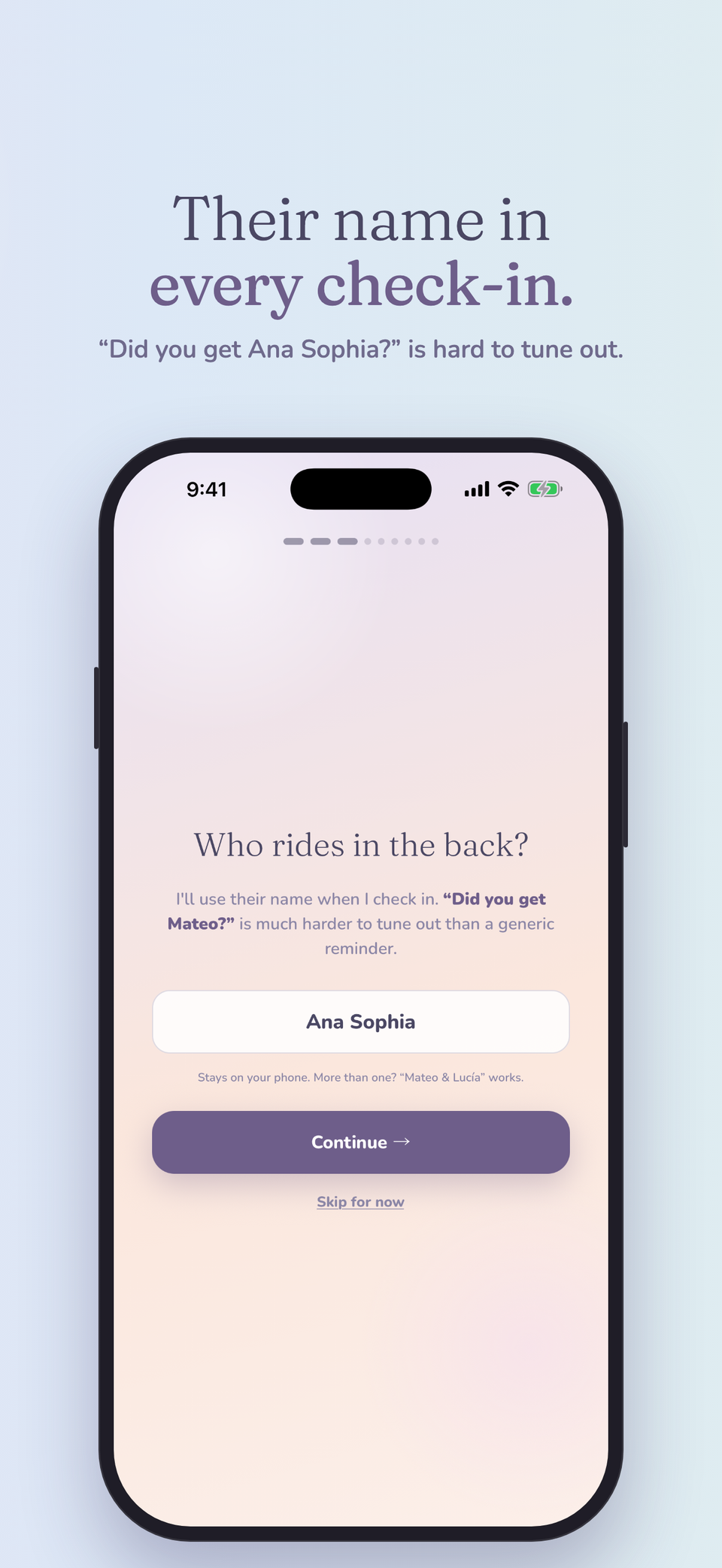
“Did you get Ana Sophia?” Add your child’s first name for a personal check-in, or leave it out.
Private by design
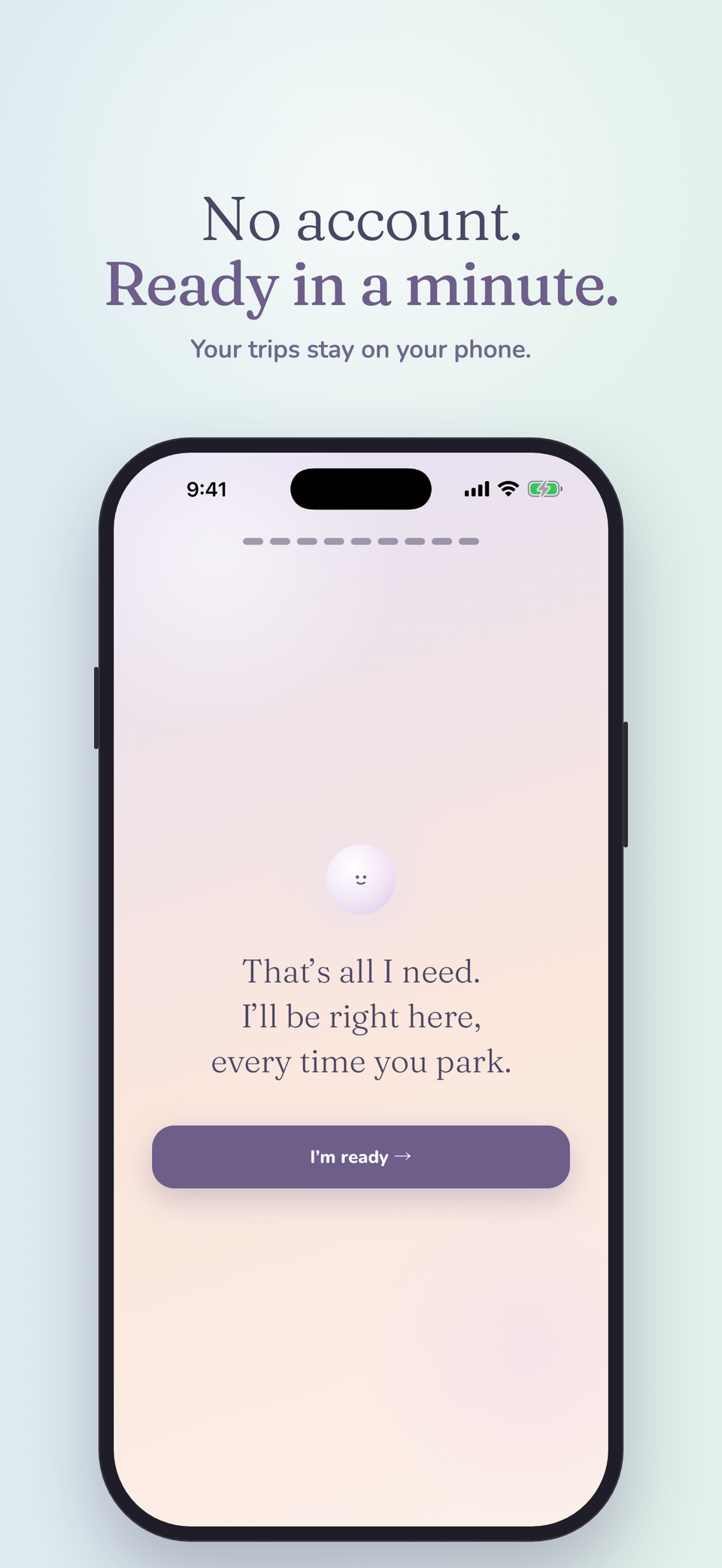
No account to create. Your trip history stays on your phone.
A few things you might wonder
Need a hand with something else?
We’re here to help
It doesn’t run GPS all the time. It rests on a light location signal and looks closer only around a drive. Low Power Mode can delay its checks, and Lookback tells you when it’s on.
So it can notice when you park and step away, even with your phone in your pocket. Location is used on your phone to spot the end of a trip and isn’t sent to us.
On iOS 26 and later, yes: it’s a real alarm, like the Clock app’s, which you allow during setup. On earlier versions it’s a loud, time-sensitive notification.
A short recorded message from Lookback asking you to check the back seat. Answering and listening counts as all clear. Voicemail doesn’t.
No. Without a number, that step is a loud notification instead. The call needs a US number for now.
Get to know Lookback

Made for iPhone. No separate sensor or account required.
$2.99/month or $19.99/year.
Save about 44% with annual billing. Planned subscription pricing in USD.
The App Store download link will be added before launch.